
Billing and security
Delete your account
How to delete your Kipuu account from the web or the app, and what gets deleted.
- Sign in to Kipuu on the web or in the app.
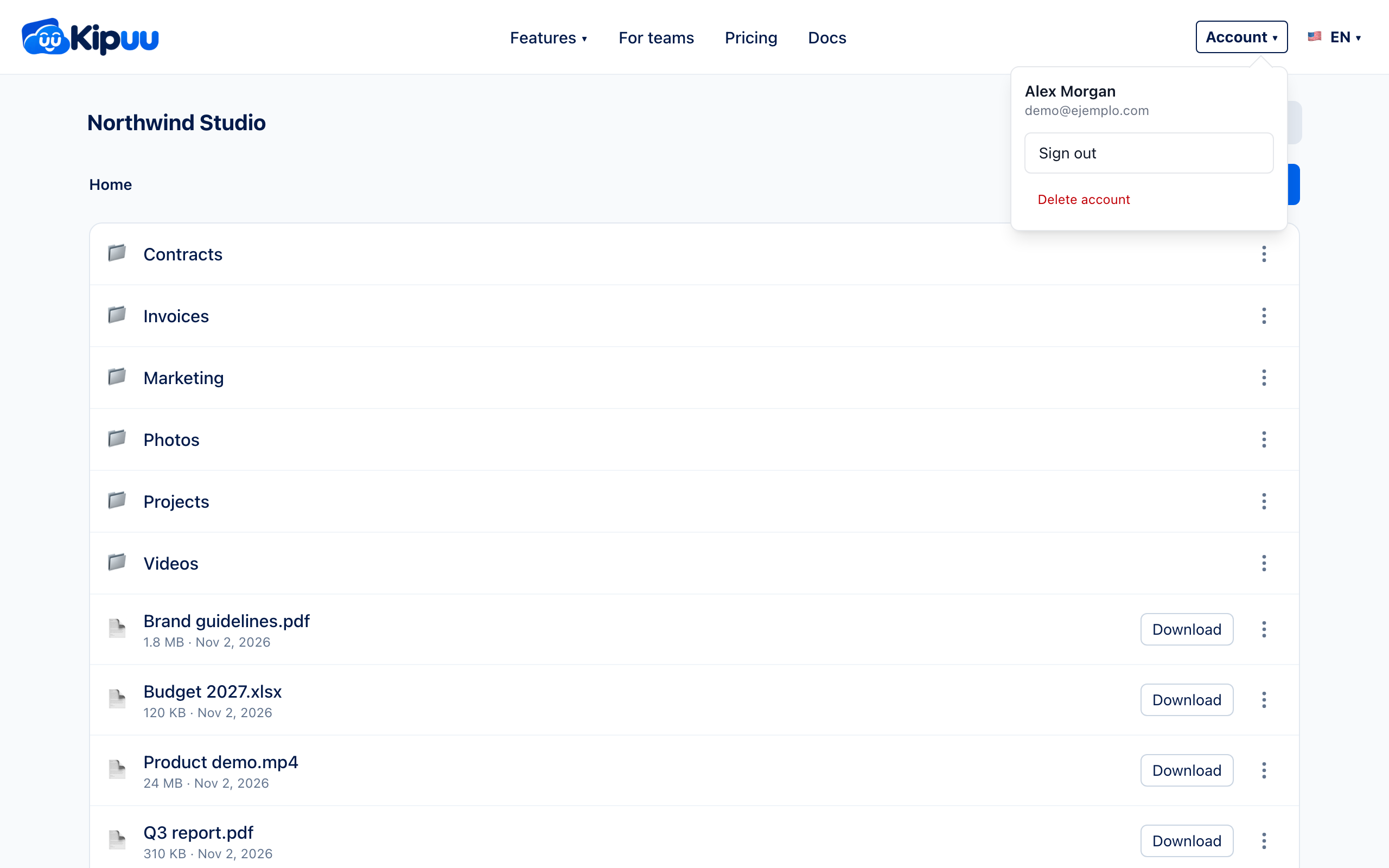
- Open the Account menu at the top.
- Choose Delete account, at the end of the menu.
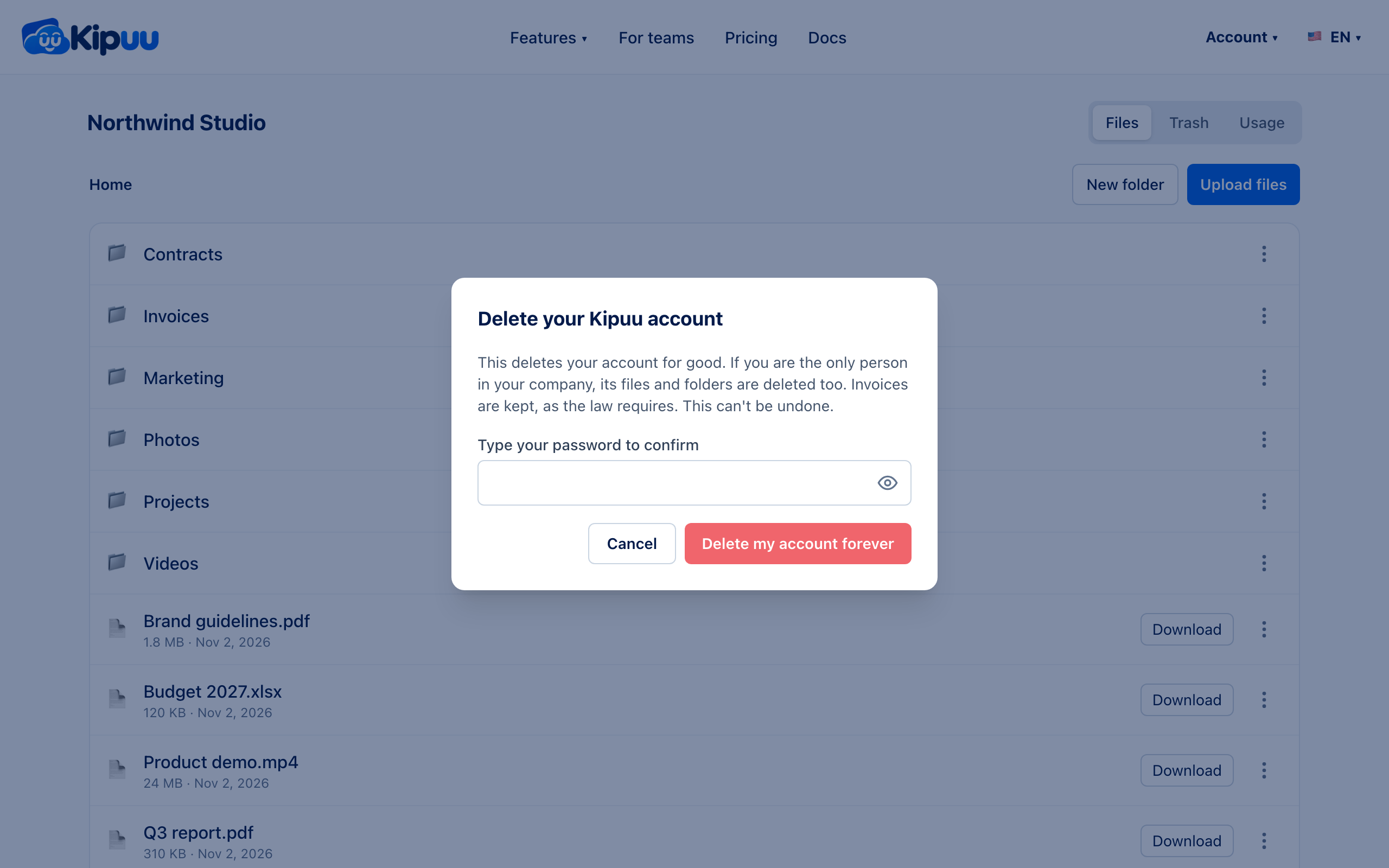
- Type your password and confirm with Delete my account forever.
What gets deleted
Your account and your sessions are deleted right away. If you are the only person in your company, its files and folders are deleted too. Invoices and billing records are kept, as the law requires. This can't be undone.
If other people work in your company and you are its only owner, Kipuu asks you to make someone else an owner first, so the company isn't left without one.