
Files and folders
Watch, listen and preview files without downloading
Play videos and audio, see images, and read PDFs, Word, Excel and text files right in Kipuu, without filling up your computer.
Photos and videos show a small preview, and every other file a colored icon with its type, so you can spot what you need at a glance.
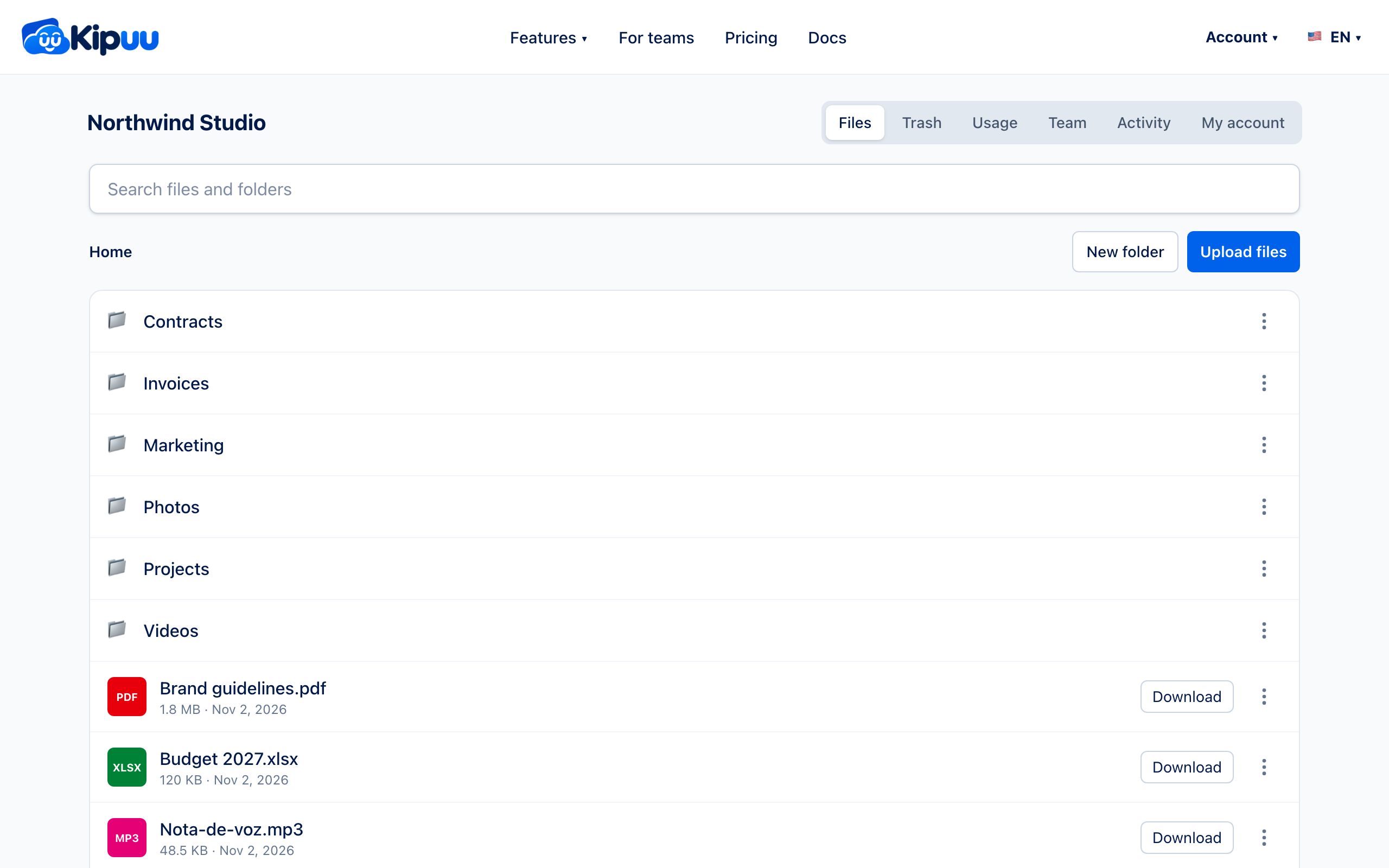
- Click the name of a file, or open its three dots and choose View.
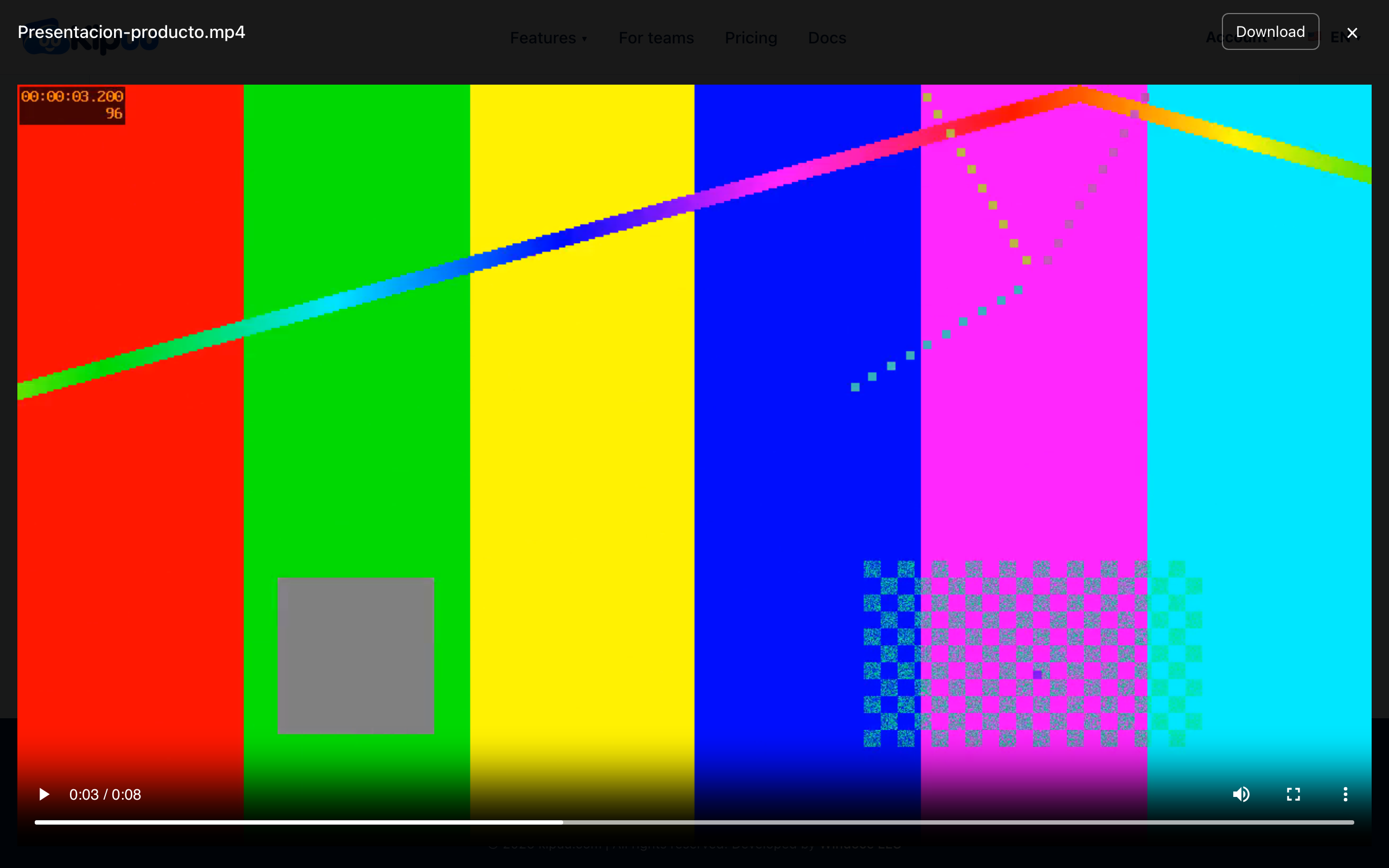
- Videos and audio start playing right away. You can jump to any moment without waiting for the whole file.
- Need the file on your computer? Use Download at the top. Press Esc or the X to close.
What you can preview
Videos (MP4 and WebM in every browser; MOV in Safari), audio (MP3, WAV and M4A), images (JPG, PNG, GIF, WebP and SVG), PDF and plain text files. If your browser can't play a format, Kipuu tells you and offers the download.
Word (.docx) and Excel (.xlsx) files up to 25 MB open read-only right in Kipuu; for a workbook with several sheets, each sheet has its own tab. Older formats (.doc, .xls) and PowerPoint are downloaded for now. Viewing a file is a normal read, so it doesn't change what you pay for storage.